 Veranda Think
What your clients tell you should stay protected.
Here is what Veranda Think does to protect clinical records: what is encrypted, who can see what, and how you can review activity in your clinic.
Clinical content is encrypted before it is stored.
Think encrypts your most sensitive content when saving it and decrypts it only when an authorized user opens it.
-
Notes Session notes, session summaries, client notes, and appointment notes are stored encrypted.
-
Uploaded files The contents of every client file are encrypted and saved under a random name, not the original file name.
-
Encrypted connections The application is served over HTTPS, and browsers are instructed to keep using it.

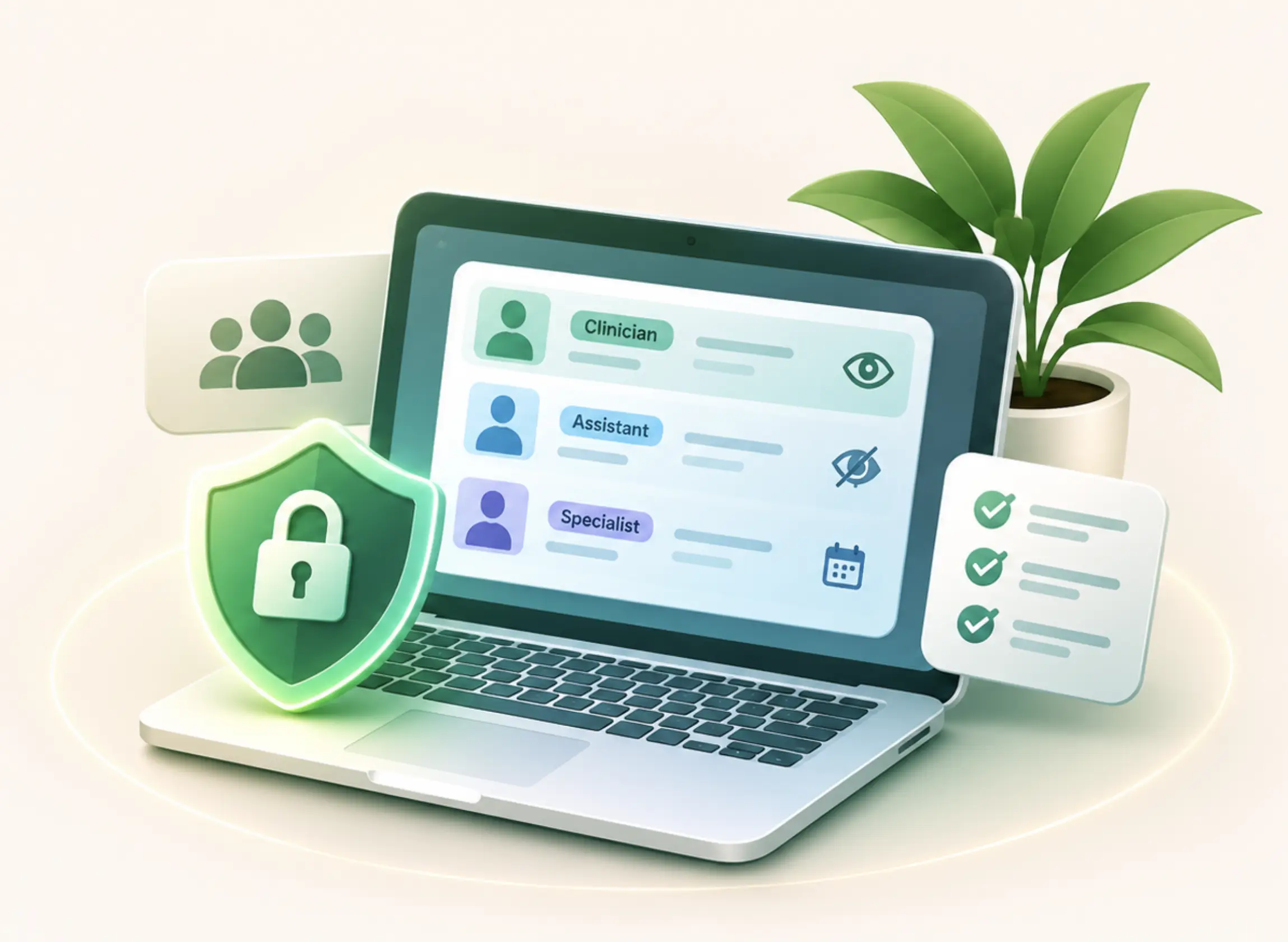
Each person sees only what their role requires.
Access is checked by the application on each request, so a clinic’s records stay with the people who work with them.
-
Separated clinic data Each clinic’s clients, appointments, and files are kept within its own workspace.
-
Clinical content stays with clinicians Assistants see general and assistant notes and administrative files. Session notes and clinical files stay out of their view.
-
Assistants scoped to a specialist An assistant linked to one specialist sees only that specialist’s calendar.
-
Immediate deactivation When someone leaves, the clinic owner can deactivate their account and block further access.
See who did what, and when.
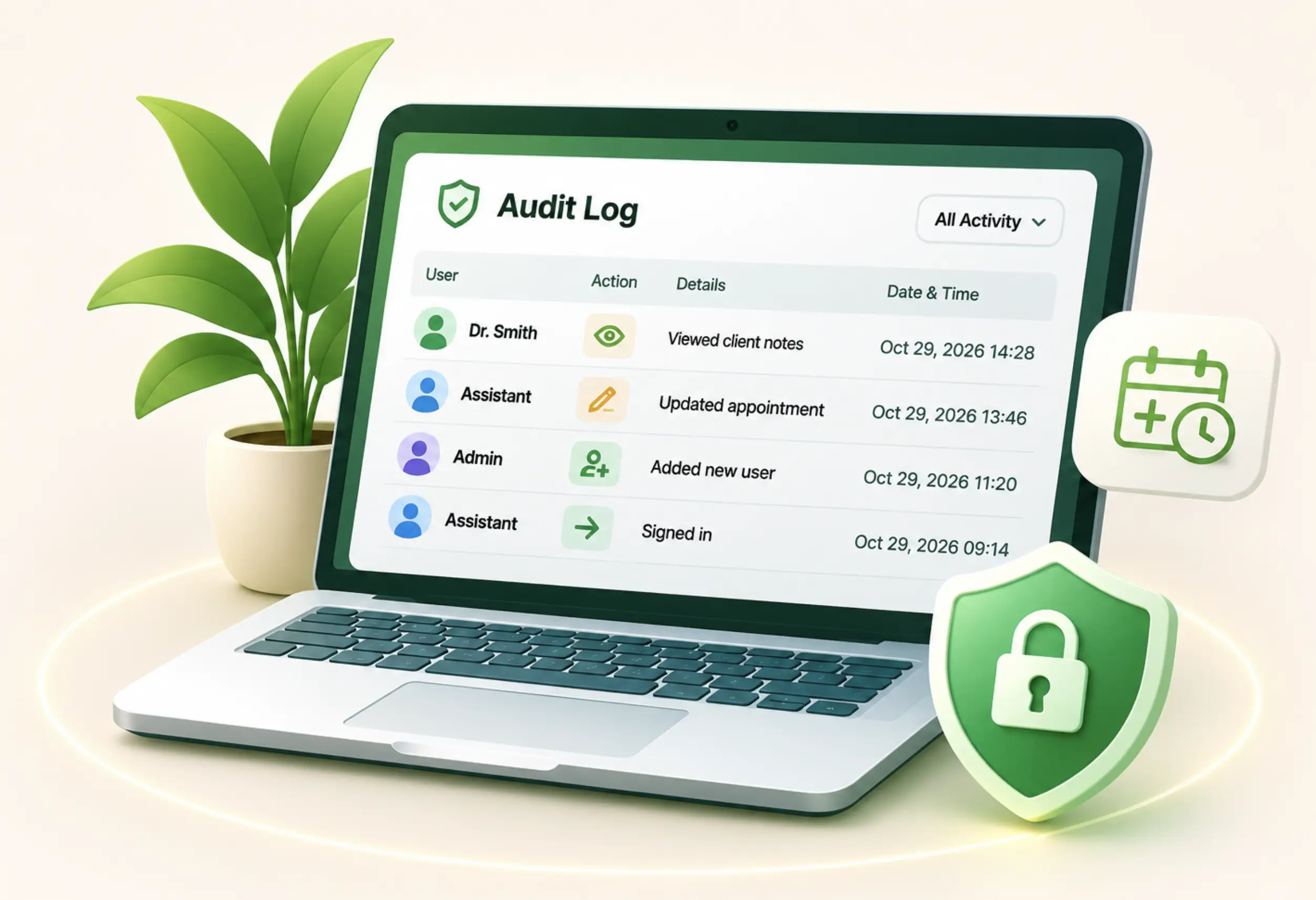
Important activity is recorded automatically, and the clinic owner can review it from one screen.
-
Access to sensitive records Think records when someone views a client’s notes or opens a client file.
-
Changes, old and new Updates to clients, appointments, payments, and users are logged, with changed values where they apply.
-
Sign-in history Successful and failed sign-ins and password reset activity are all recorded.
-
A log that protects privacy too Appointment notes are never shown in the audit log, so reviewing activity does not expose clinical content.
Safeguards around every sign-in and upload.
Everyday protections that reduce the risk of unauthorized access to your workspace.
Limits on sign-in attempts
Repeated sign-in and password reset attempts are rate limited to slow down password guessing.
Protected sessions
Session cookies are limited to secure connections and hidden from page scripts, and each sign-in starts a new session.
Checked file uploads
Only approved document and image types are accepted, based on both file extension and actual content type.
Browser security headers
Think sends a content security policy and related headers that restrict how pages can be loaded and framed.
Give your clinic room to breathe.
Set up appointments, client records, and accounting today. Most solo clinics are fully up and running within an afternoon.
No credit card required · Cancel anytime